Theme Settings

Theme Settings

FIELD NOTES / Yupoo

Use an album as the start of your research

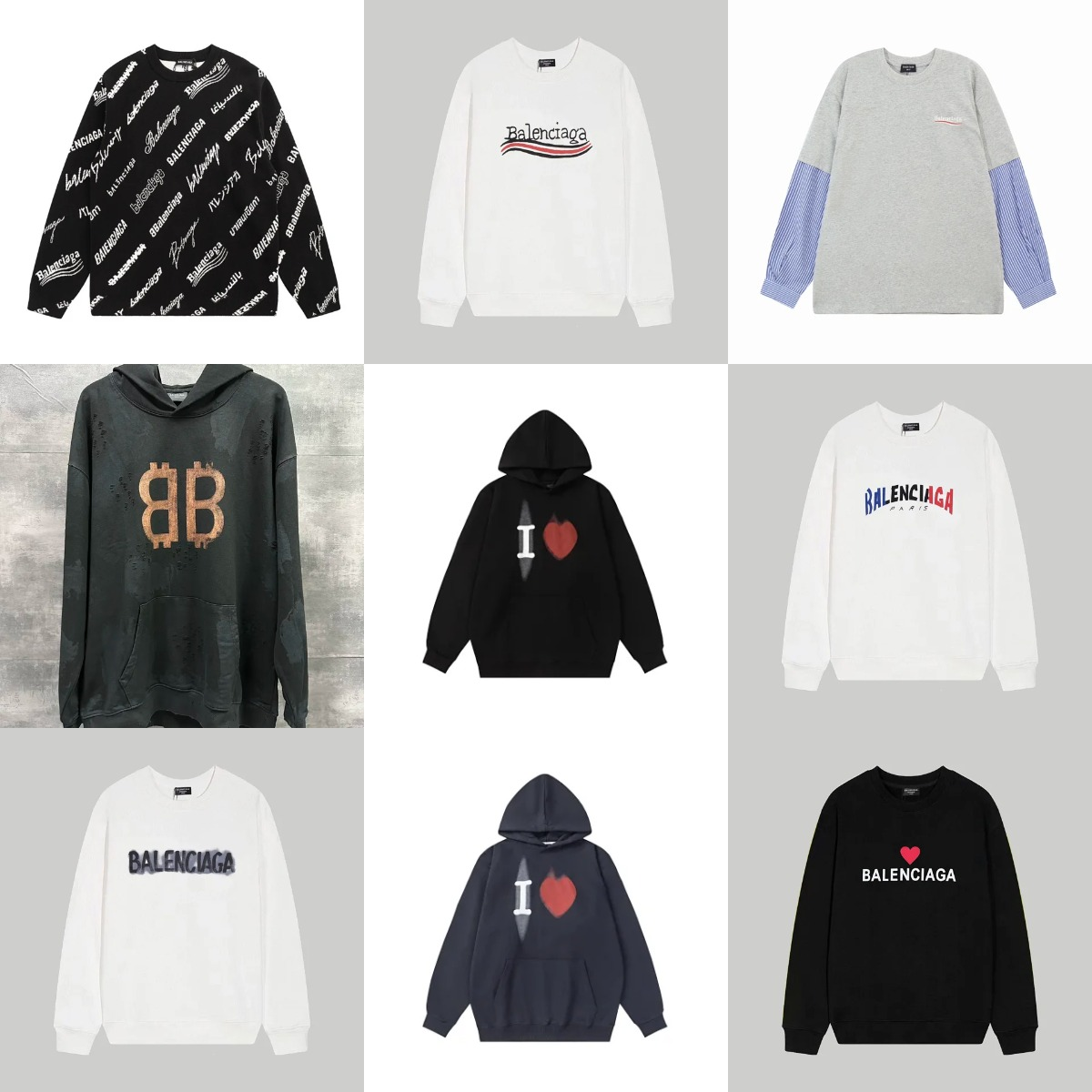
Yupoo is used to publish image albums. Treat an album as a visual reference: locate the exact product listing and confirm its options separately before arranging a purchase.

Updated 5 November 2026 · W2C Yupoo editorial

A practical next step.

  1. Keep the album URL and the specific image or item reference.
  2. Look for a linked marketplace listing or ask the seller for one.
  3. Match the listing, size chart and selected option with your saved album reference.

Go a little deeper.

View all ↗

yupoo / GUIDE

How to use Yupoo for product research

Yupoo is used to publish image albums. Treat an album as a visual reference: locate the exact product listing and confirm its options separately before arranging a purchase.

Read the field note ↗

Your questions,
in context.

01Is an album a checkout page?+

An album reference may not include checkout or a current price. Use the seller’s confirmed ordering route.

02Are album images warehouse QC?+

Catalog images describe an offering; order-specific warehouse photos show what was received for an order.
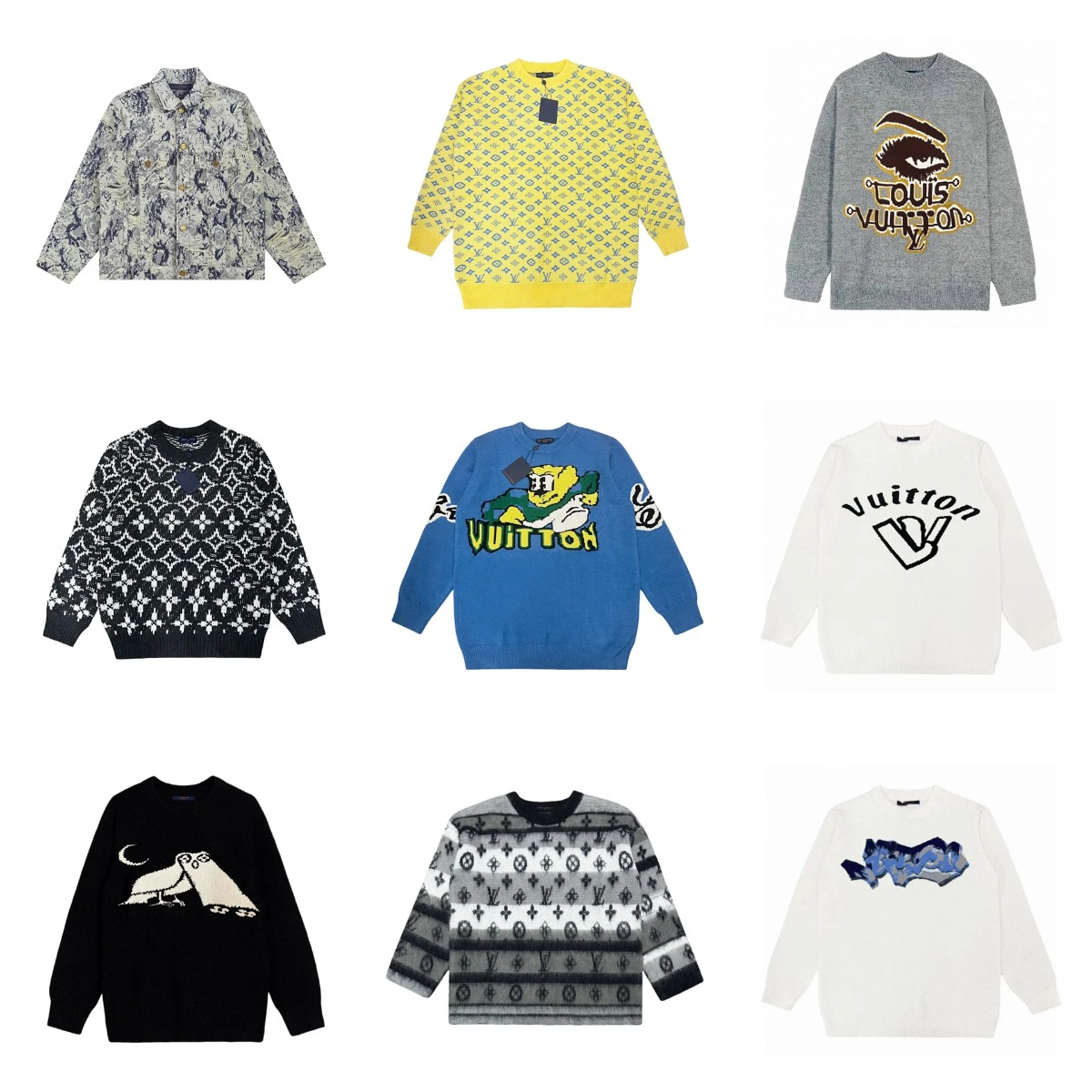
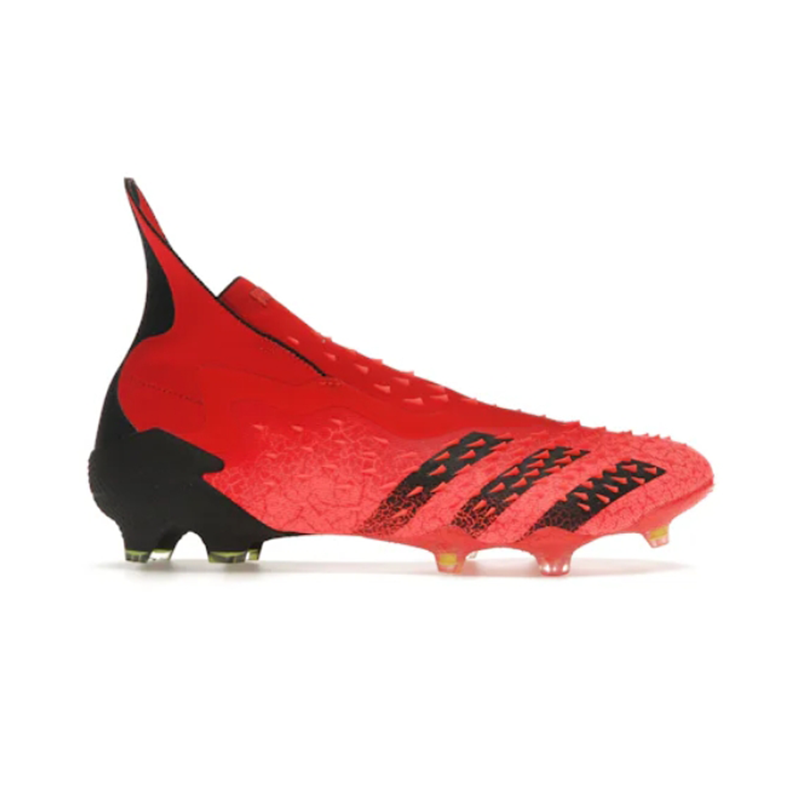
Explore the product references.

View all ↗